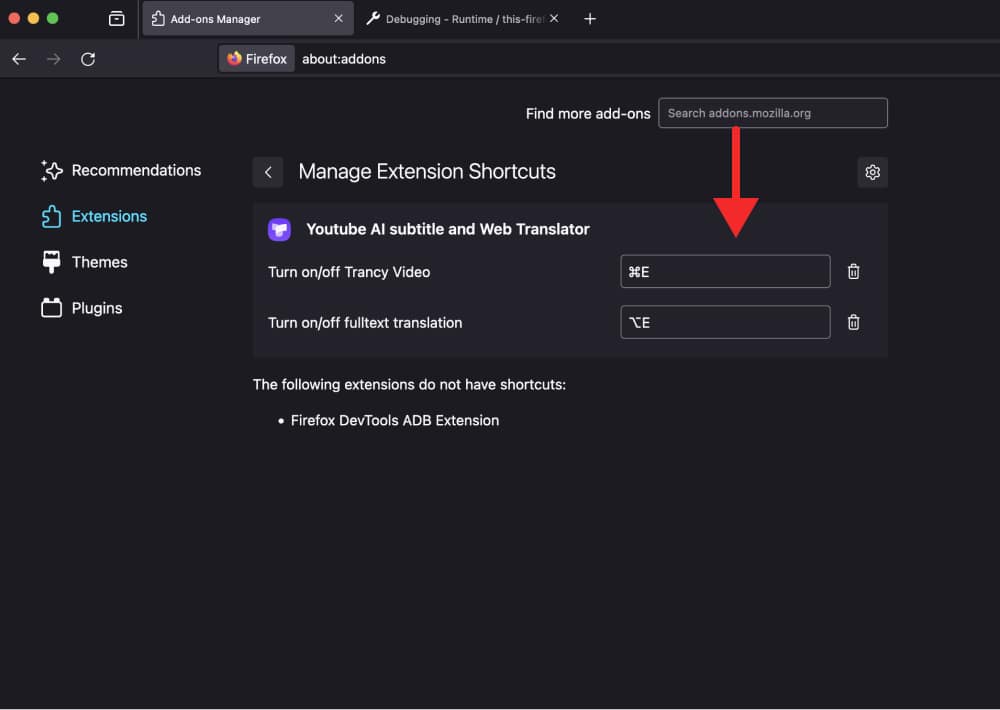
Setting Trancy Extension Shortcuts
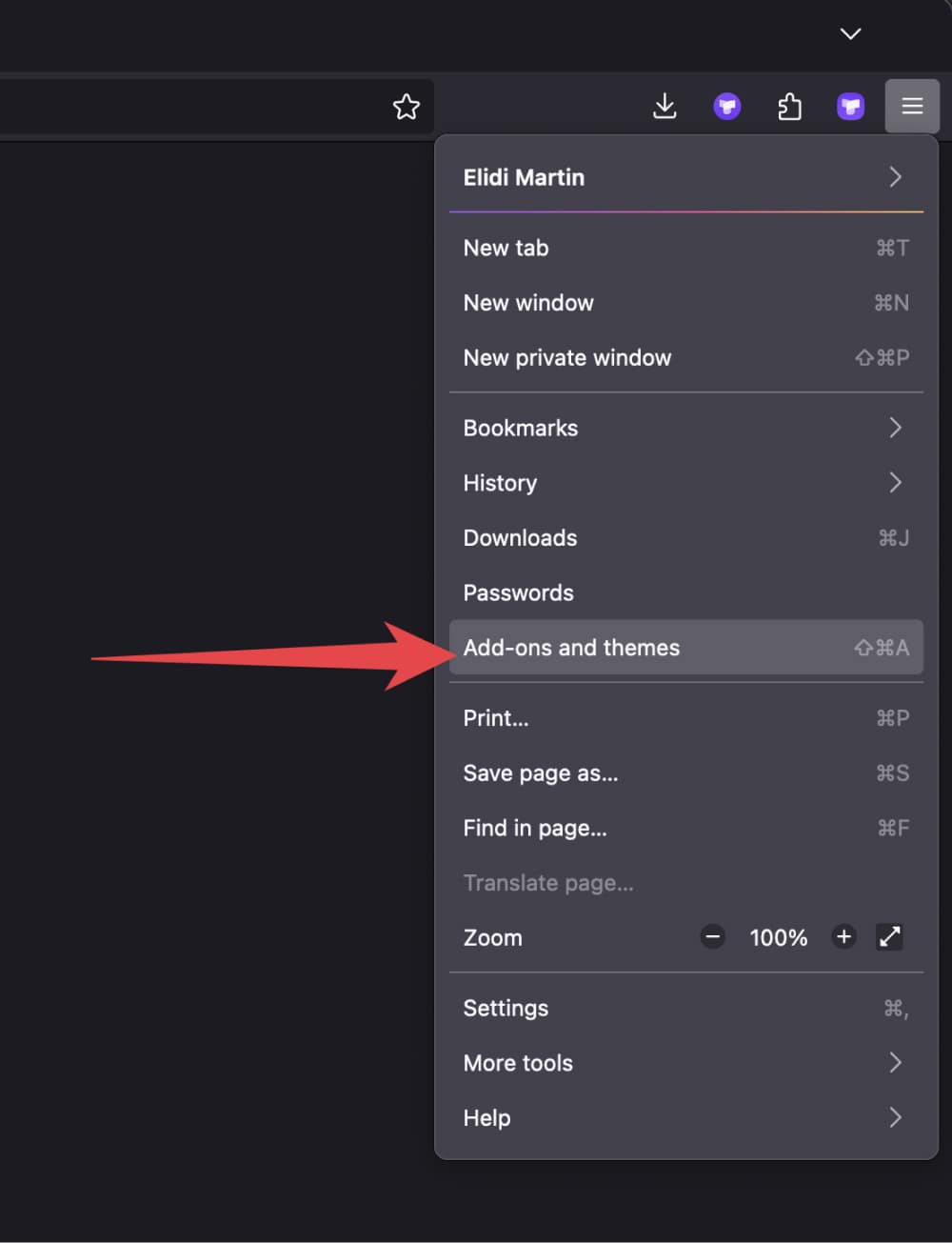
Step 1. Click the menu button, click Add-ons and themes and select Extensions.
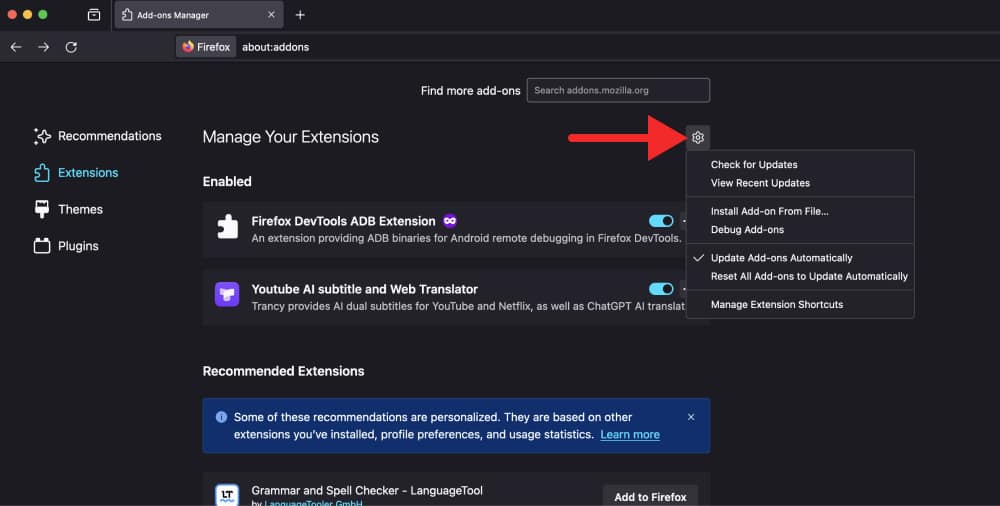
Step 2. Click the Tools for all add-ons cogwheel, Click Manage Extension Shortcuts in the menu.
Step 3. You will see the shortcut options (if available) for your installed add-ons.